Nobody's teaching Claude to edit. This turns it into your creative director.
Custom effects, captions that match your audio, your own branding suite, and changes with the click of a button. No CapCut, DaVinci or Premiere.
$97 once, less than one reel from an editor. It cuts my own reels every week.
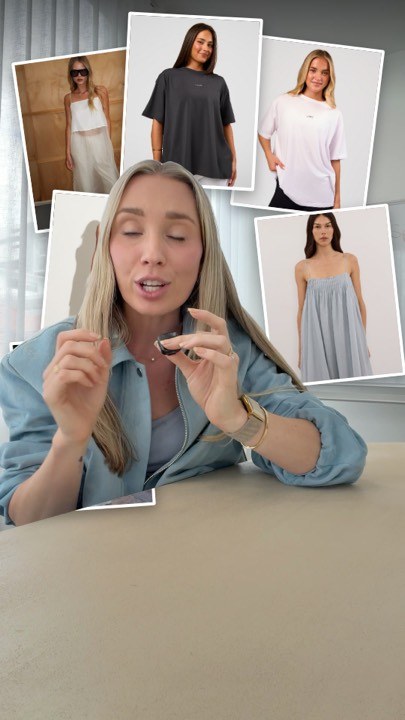
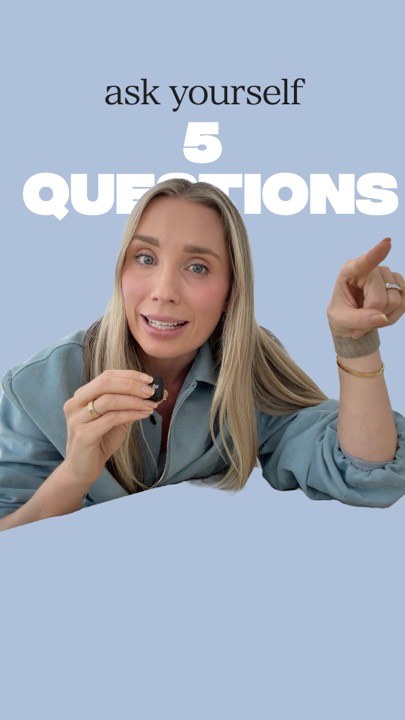
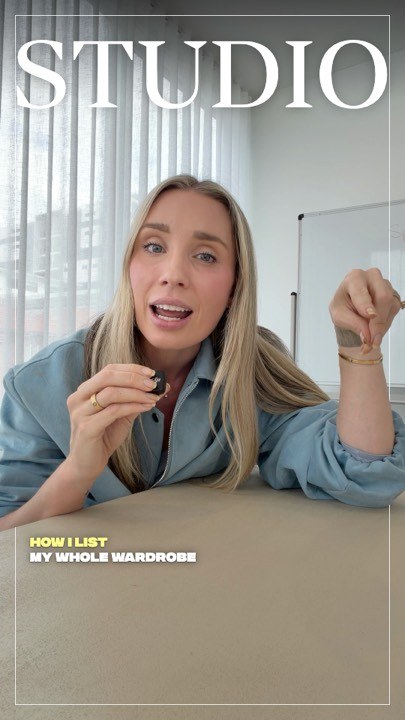
On the left, what Claude gives you on its own. On the right, the same seconds with Reel Studio.
Identical footage, identical words. The free guide gets you the left. Nothing on the right can be prompted into existence; it has to be built.
Film it. Drop it in. Post it.
- A full suite of custom video effects that would usually take hours.
- Captions matched to your actual audio. No lag, not covering your face.
- No CapCut, DaVinci, Premiere or any other editing tool.
- Make changes with the click of a button instead of typing “no, move the caption up” ten times.
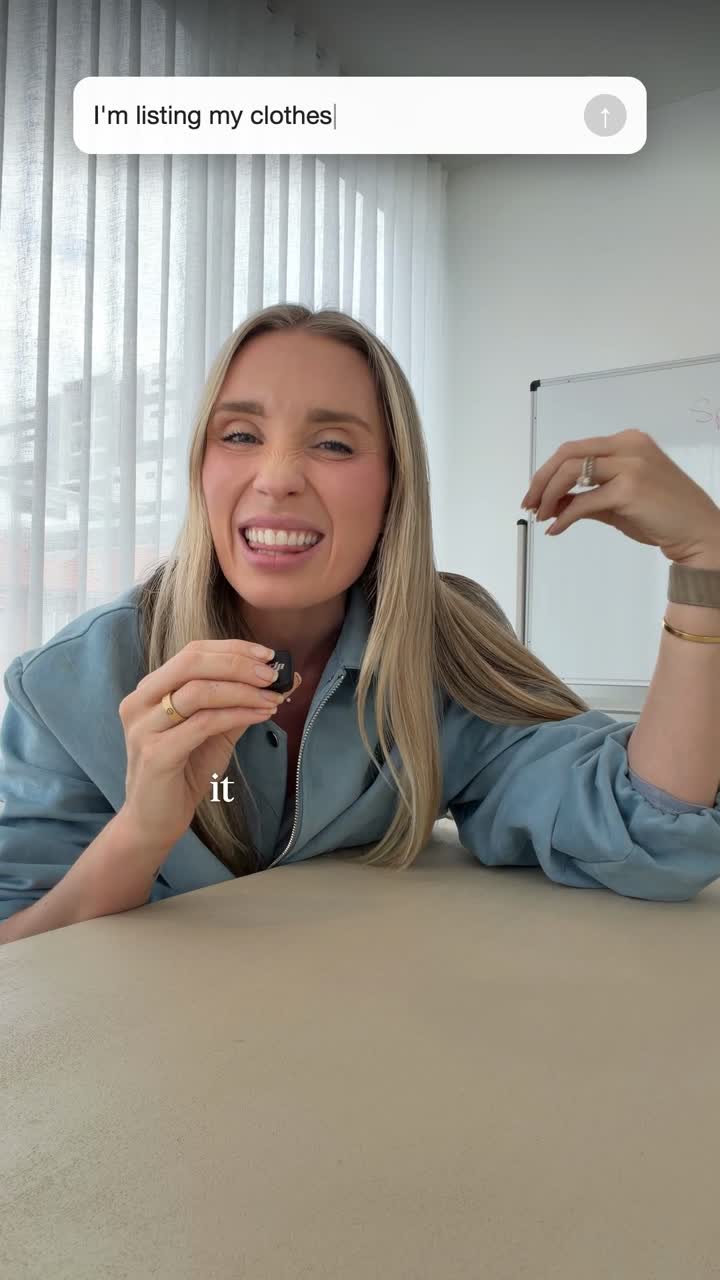
Start it from your phone. Drop the footage on the review page, say what the reel is about, and it's ready by the time you sit down.
Built with your fonts, your colours and your instructions for edits.
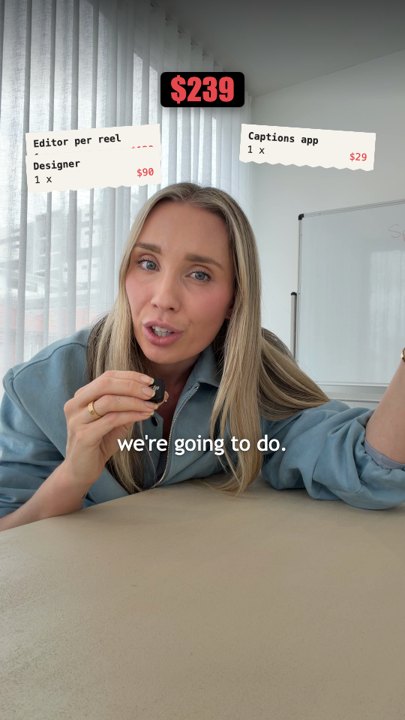
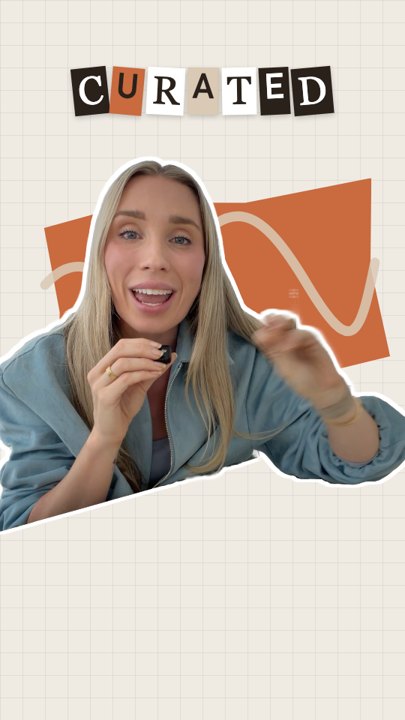
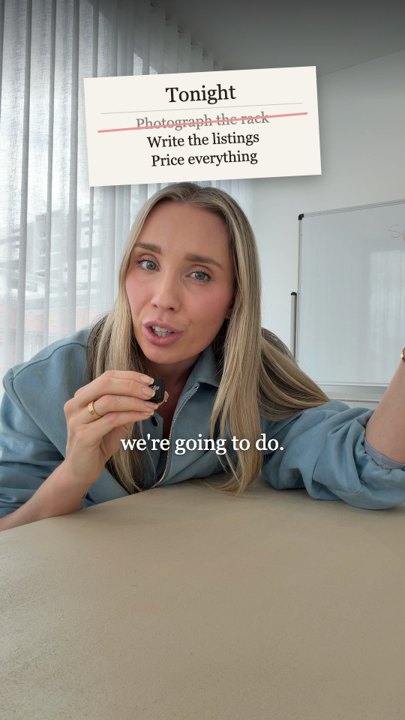
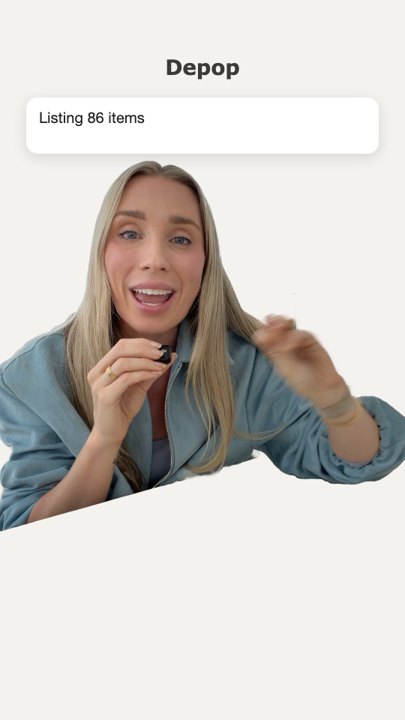
Set it up once and every reel comes out in your look, using the effects that suit you. Same footage in all four: photos on screen, stat bars, paper cut-outs, app screens, receipts, checklists, charts. Your instructions decide which.
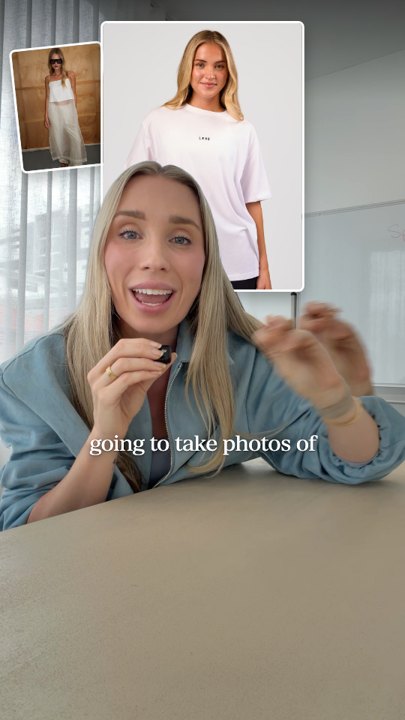
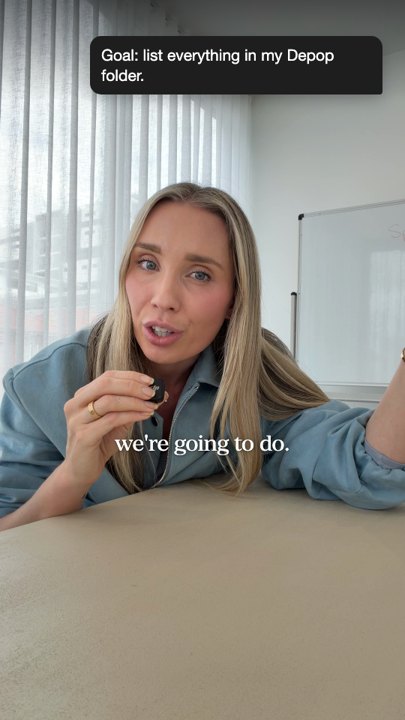
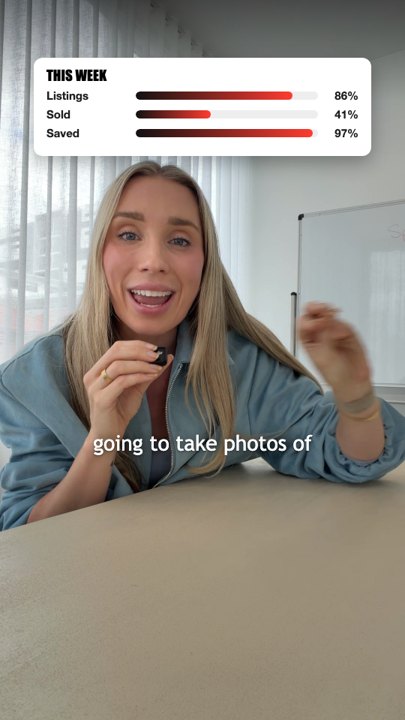
No brand yet? Setup asks you a few questions and shows you three options as stills from your own test reel. You pick one.
You don't need to know what to ask for.
It reads your take, finds the lines worth landing on, and shows you what each one could be. Cards spinning around your head on the bit where you list three things. A big number on the line where you say the number. You choose from what it offers, it does the rest.
Three to five a reel. Enough to look made, not so many it looks mad.
It writes like you, because it asks you first.
Setup asks how you end a reel, the words you use, the words you won't. Every word that goes on screen comes from that. Your call to action, your spelling, your sign-off.
My reels are in the kit as the worked example. My words are not.
It checks its own work.
A cut that breaks your rules doesn't reach you. Captions over your face, a graphic sitting on a line it has nothing to do with, a word left blank. It catches those and fixes them first, so the cut you open is one worth watching.
Fewer rounds. That's the whole point.
Everything you'd tell an editor, in one place.
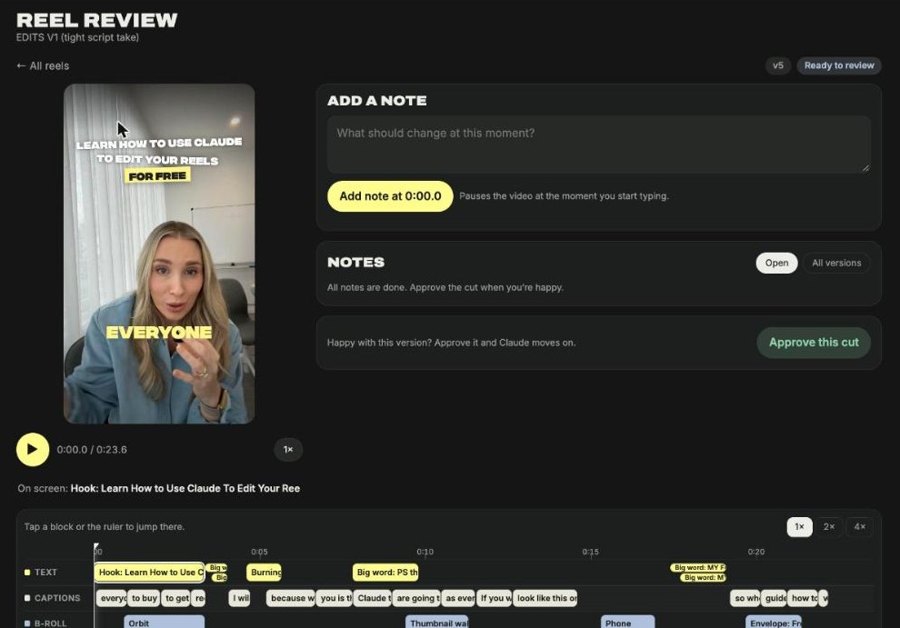
Mark the second you want changed, see every caption and cut on its own layer, flick back to the version you liked. On your phone, in the time it takes to watch it back.
Store and add effects from the reels and inspiration you love.
Claude adds them to memory, so you're continually upskilling instead of asking for “that zoom thing you did the other day”. 48 are built in on day one, each shown on real footage so you know what you're asking for.

- B-roll runs to the cut, so you never get a stray frame of your face flashing up between clips.
- Captions never break a line on a single letter.
- Punctuation off, if you want it off.
What arrives.
Reel Studio
The editing engine, your Reel Studio for marking up changes, the effects suite, and your custom branding suite. Opens in the Claude app; you type “set me up” and it installs itself.
The effects library. Every effect playing on real footage, searchable, so you can see what you're choosing before you ask for it.
Your reel guide. One page that says exactly how your reels look. Claude reads it before every edit. Mine is included as the worked example; yours is written during setup.
Also included
- BonusTwo ready-made reel layouts to start from.
- BonusOne of my reels, start to finish. Raw take, first cut, my notes, final.
- BonusThe step-by-step setup guide, every prompt in order, with a by-hand option.
- BonusUpdates, at the same download link, for as long as it's on sale.
You film the reels. You just hate the hour after.
This is for you if
- You talk to camera, or want to, and you'd post more if editing weren't in the way
- You pay an editor, or you do it yourself at night
- You want it to look like you, not like everyone else using AI
- You have a Mac and use Claude
Not for you if
- You're on Windows
- You want to drag clips around a timeline yourself
- You want someone else to decide what your reels say
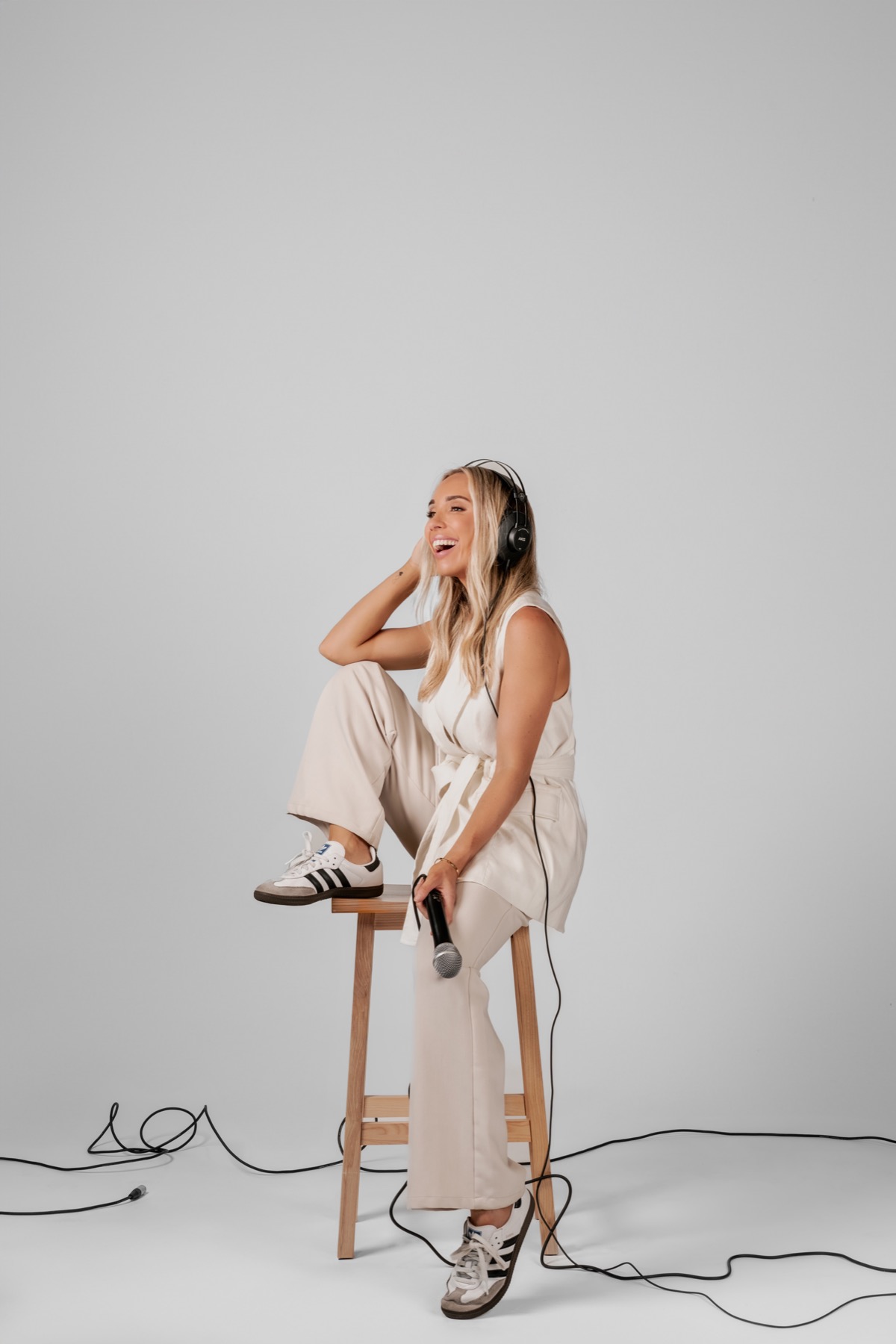
I built it because I was sick of paying per reel.
I'm Alycia. I run a podcast production studio in Brisbane. Every show we've made has topped the charts, 4.5 million downloads between them, and I host How Do I Podcast, where I've sat down with Kayla Itsines, Caleb Ralston and Nathan Chan.
I was paying an editor per clip and still fixing captions myself at night. So I built this. It cuts my own reels every week, and now it can cut yours.
Get the free guideHow to get Claude to cut a reel, on four pages.
Less than one reel from an editor. For every reel you'll ever post.
Reel Studio
An editor charges $80 to $150 for one reel. This is $97 once, yours forever, updates included. The next four reel layouts are on the way and the price goes up when they land; buy now and you get them free.
- The full effects suite
- Captions matched to your audio
- Your own Reel Studio for changes with a click
- Your custom branding suite
- The effects library, growing with you
$97 AUD, one payment
Mac only. Needs the Claude desktop app with Claude Code. If it won't install on your Mac, reply to your order email and I'll get it running with you. Terms.
Get Reel StudioThe things you're probably wondering.
Can't I just ask Claude to edit it?
You can, and the free guide shows you how. You'll get a clean cut. Then you'll type "no, move the caption up" ten times, the effects you wanted won't be there, and it won't look like you. Reel Studio is the editing tool, the branding and the effects that a chat window can't give you.
What if I'm not techy?
You never touch code. You open a folder in the Claude app and type "set me up". It installs everything, asks you a few questions about your brand, and shows you a test reel. If anything stops, it tells you the one thing to do. If it genuinely won't run on your Mac, reply to your order email and I'll get it going with you.
What do I need?
A Mac, the Claude desktop app on a plan that includes Claude Code, and an evening. No CapCut, DaVinci or Premiere.
Will it look like a template?
No. Your branding suite is built from your fonts, your colours and your instructions. Two people with the kit will not get the same reel.
How long does it actually take?
Setup is one evening, mostly waiting on downloads. After that: drop the footage in, approve the plan, and the reel is back in a few minutes. Changes are a click.
I'm on Windows.
Then this isn't for you yet. The part that cuts you out of the frame uses Apple's own tools. The free guide works on anything.
The footage is already on your phone.
Film the way you always do. Drop it in a folder. Go to school pickup. Approve the cut from the car park. That's the whole thing, and it starts tonight.